Comment on YouTube says goodbye to decade-old video player UI, but users hate the new design
shalafi@lemmy.world 1 year agoComment on YouTube says goodbye to decade-old video player UI, but users hate the new design
shalafi@lemmy.world 1 year ago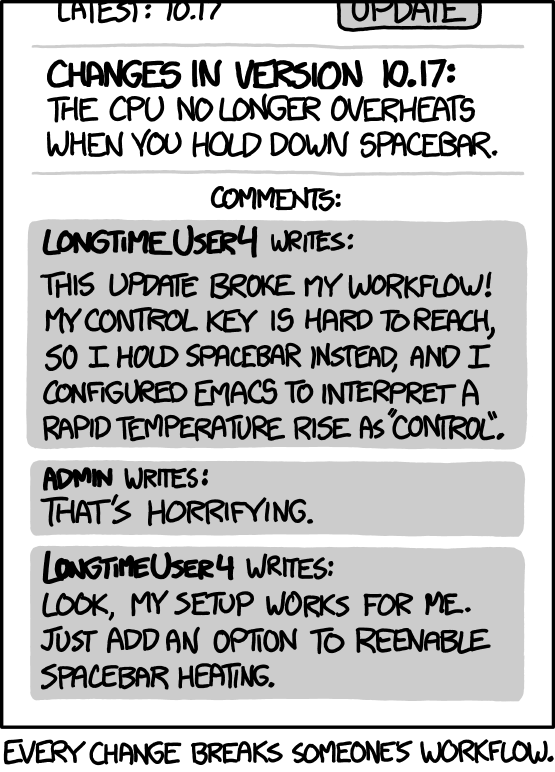
tal@lemmy.today 1 year ago
support.mozilla.org/en-US/questions/1336330
shalafi@lemmy.world 1 year ago
NICE! Now I’ve lost my muscle memory for that key, but I’m back (heh) baby!
amju_wolf@pawb.social 1 year ago
The better UX could have been making this a regular option, and (by default) showing a warning dialogue if using backspace to navigate would clear out a form.
shalafi@lemmy.world 1 year ago
Haven’t done much web UI, but I’m guessing that are too many way to skin the “form” cat to account for.
In any case, first time I’ve read any reasoning on removing it. Chrome killed it long ago and I was using an extension to re-enable it. Probably could have done as I just did in Firefox, fiddle with the config.
amju_wolf@pawb.social 1 year ago
Form and input elements are a very standard thing, and while you can certainly do crazy stuff with it, even a simple check if you typed into an input/textarea, or changed a select without submitting the form element, should be sufficient.
I guess the problem might be detecting the submission (because oftentimes there’s custom logic for that) but maybe better just display the warning than lose data. Worst case you’ll just ignore it, best case the devs fix it so that it doesn’t show up when it shouldn’t.
ernest314@lemm.ee 1 year ago
I understand the reasoning, but I really wish Firefox had configurable keyboard shortcuts.
heck, everything should have configurable shortcuts. It’s an accessibility feature with an obvious curb cut effect.
interdimensionalmeme@lemmy.ml 1 year ago
Please add your voice to these discussions
connect.mozilla.org/t5/discussions/…/86441/
connect.mozilla.org/t5/ideas/…/85695/
tal@lemmy.today 1 year ago
addons.mozilla.org/en-US/firefox/…/shortkeys/