 tips@vivaldi.com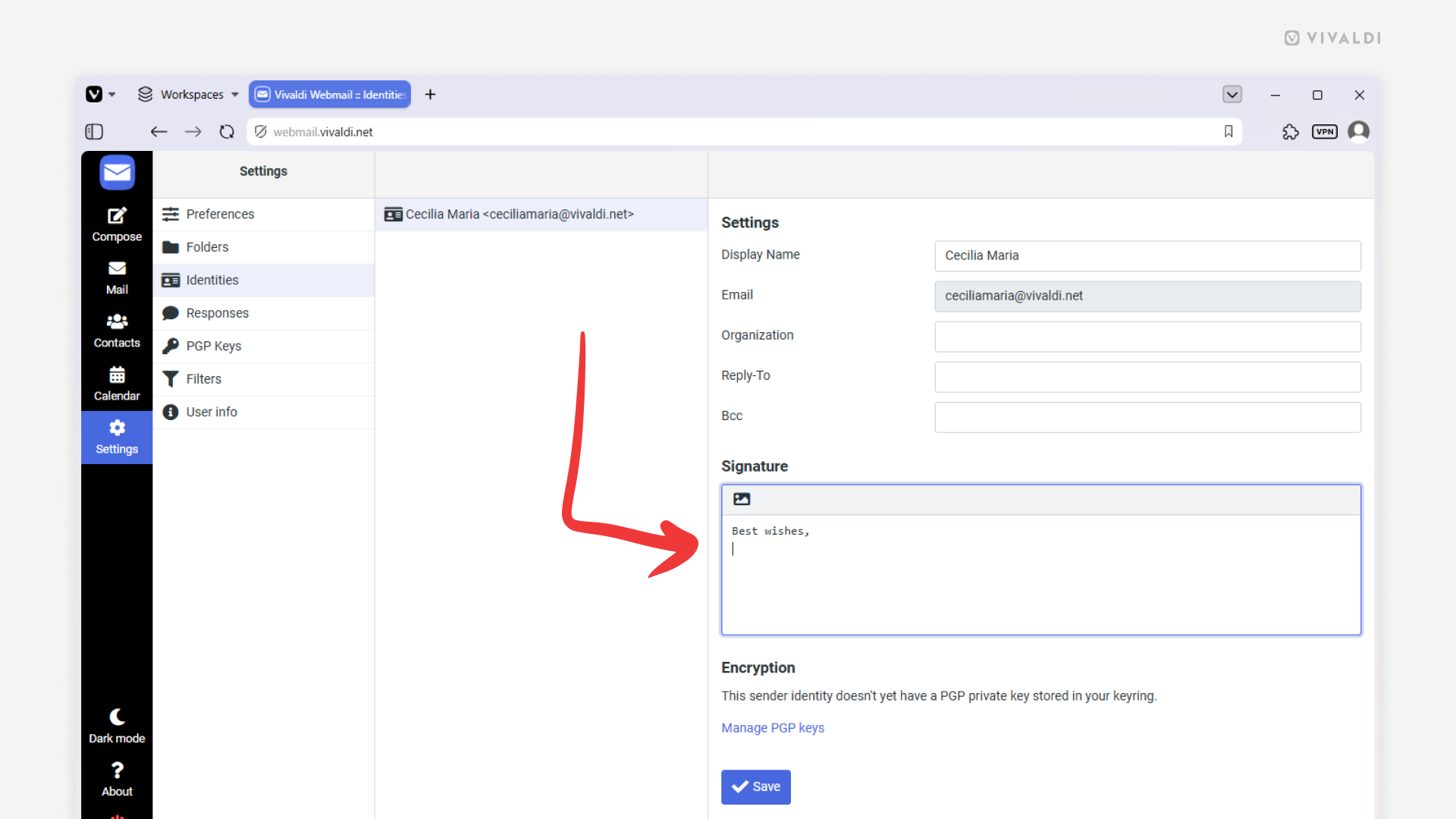
Tip #849
Image

Add a signature to your account in Vivaldi Webmail.
Prefer to send emails from Vivaldi Webmail instead of the browser’s mail client, Vivaldi Mail? Whatever works best for you! Make emailing even more convenient by adding a signature that’s automatically included in every message you send from Vivaldi Webmail.
To add a signature:
- In Vivaldi Webmail, go to Settings > Identities.
- Select your email address.
- Enter the signature.
Click the little icon in the top left corner of the input field to display HTML formatting options. - Click “Save”.