 tips@vivaldi.com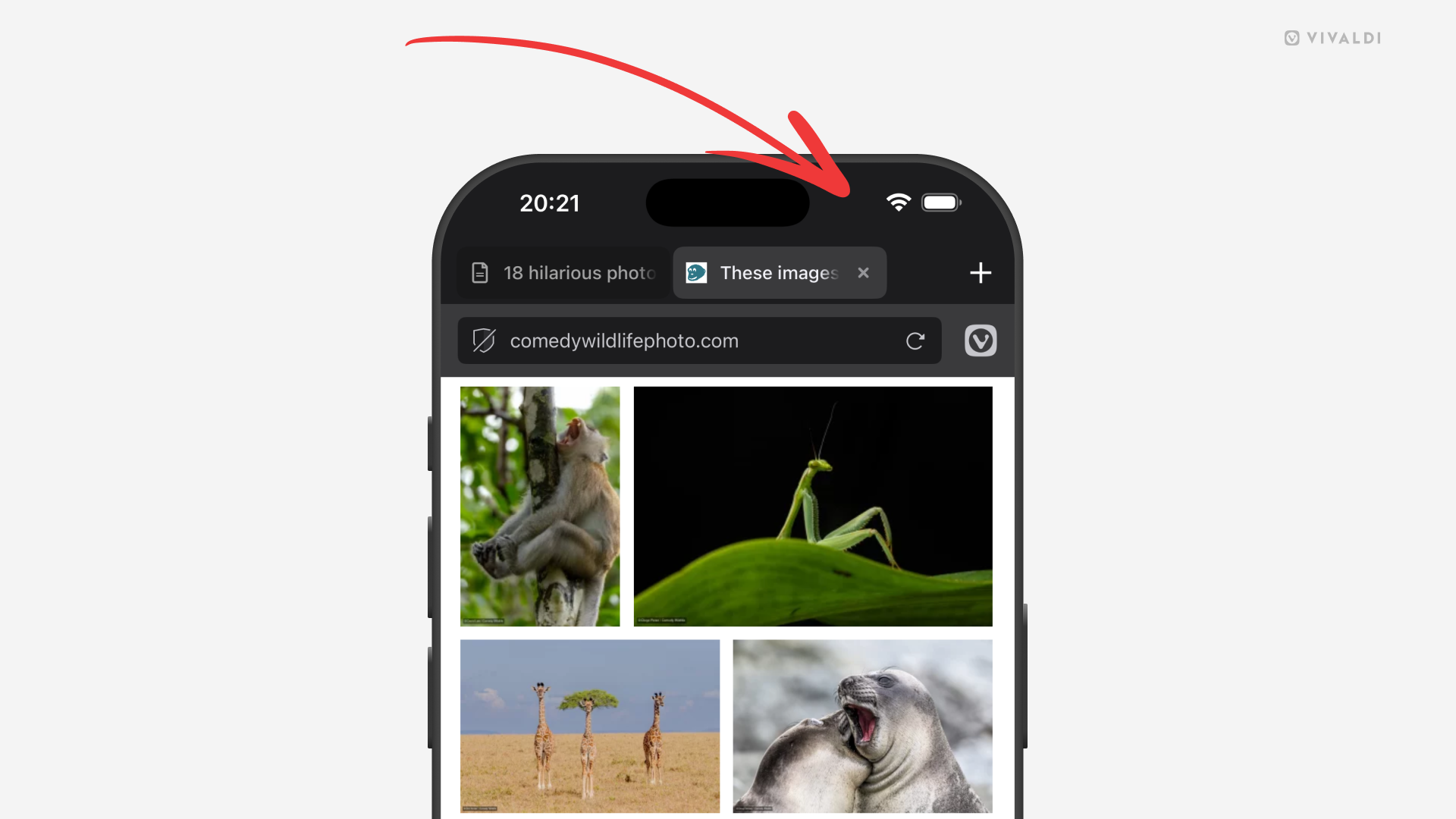
Tip #848
Image

Tap on the iPhone’s status bar to scroll back to the top of the web page.
When you’re deep into a long web page, article, or list in Vivaldi on iOS, you don’t need to spend time swiping all the way back up. Instead, make use of iPhone’s and iPad’s feature and jump back to the top with just a tap or two.
If the Tab and Address Bars are visible, it takes just one tap on the top edge of the screen. If they’re not, the first tap will bring the toolbars back into view and the second tap will take you to the top of the page.