 tips@vivaldi.com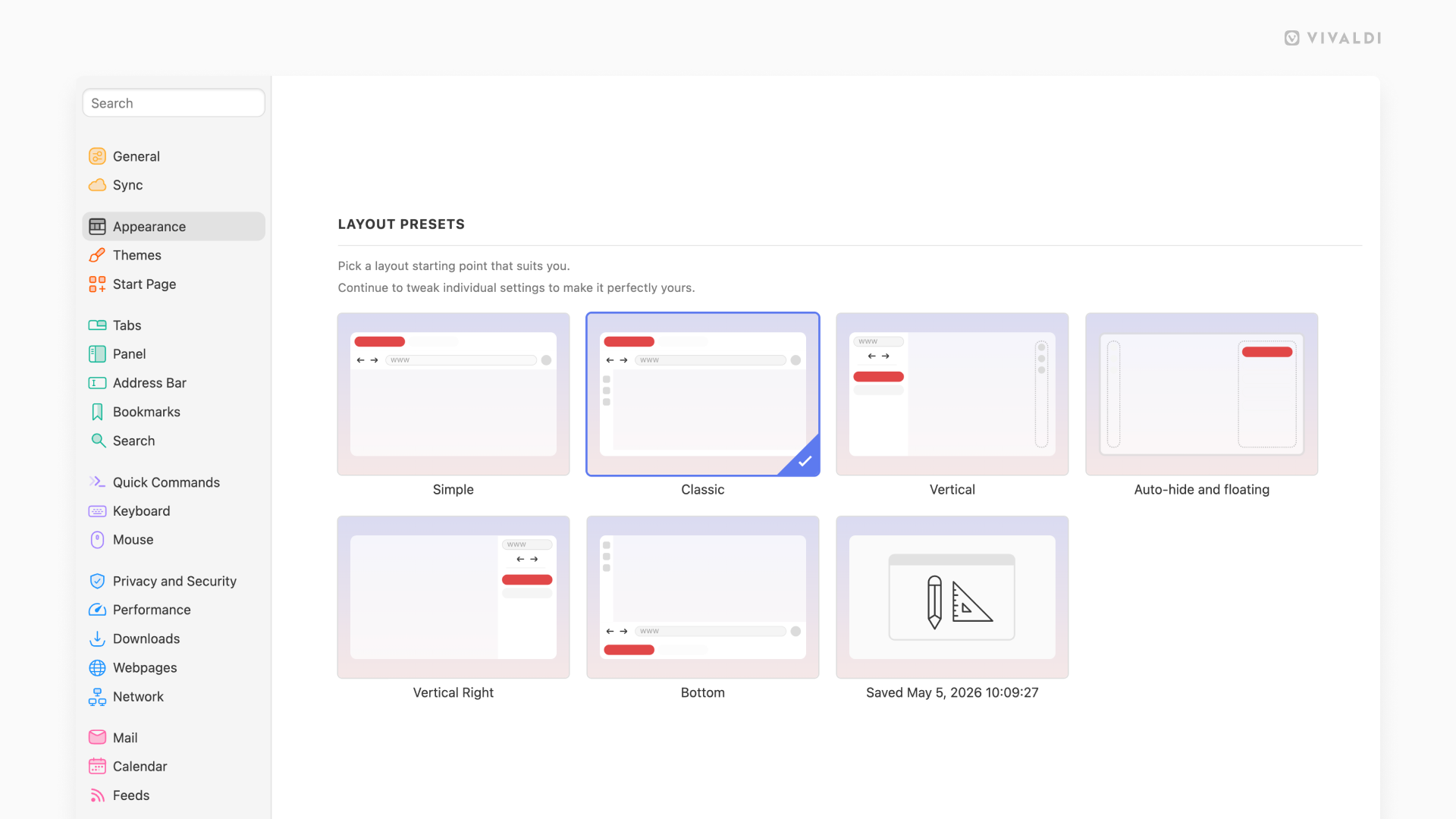
Tip #822
Image

Pick a starting point for your custom Vivaldi browser appearance.
The sheer range of settings can be overwhelming, especially to brand new users, so Vivaldi offers 6 layout presets you can choose as a starting point in your customization journey.
You can pick a layout, either:
- During onboarding when you’ve opened Vivaldi for the first time (revisit onboarding from the Vivaldi menu > Help > Vivaldi Welcome Tour).
- From Settings > Appearance > Layout Presets.
The Saved layout is your custom configuration, which gets updated with each restart.
#appearance #customization #toolbar #userInterface #Vivaldi #VivaldiBrowser