 tips@vivaldi.com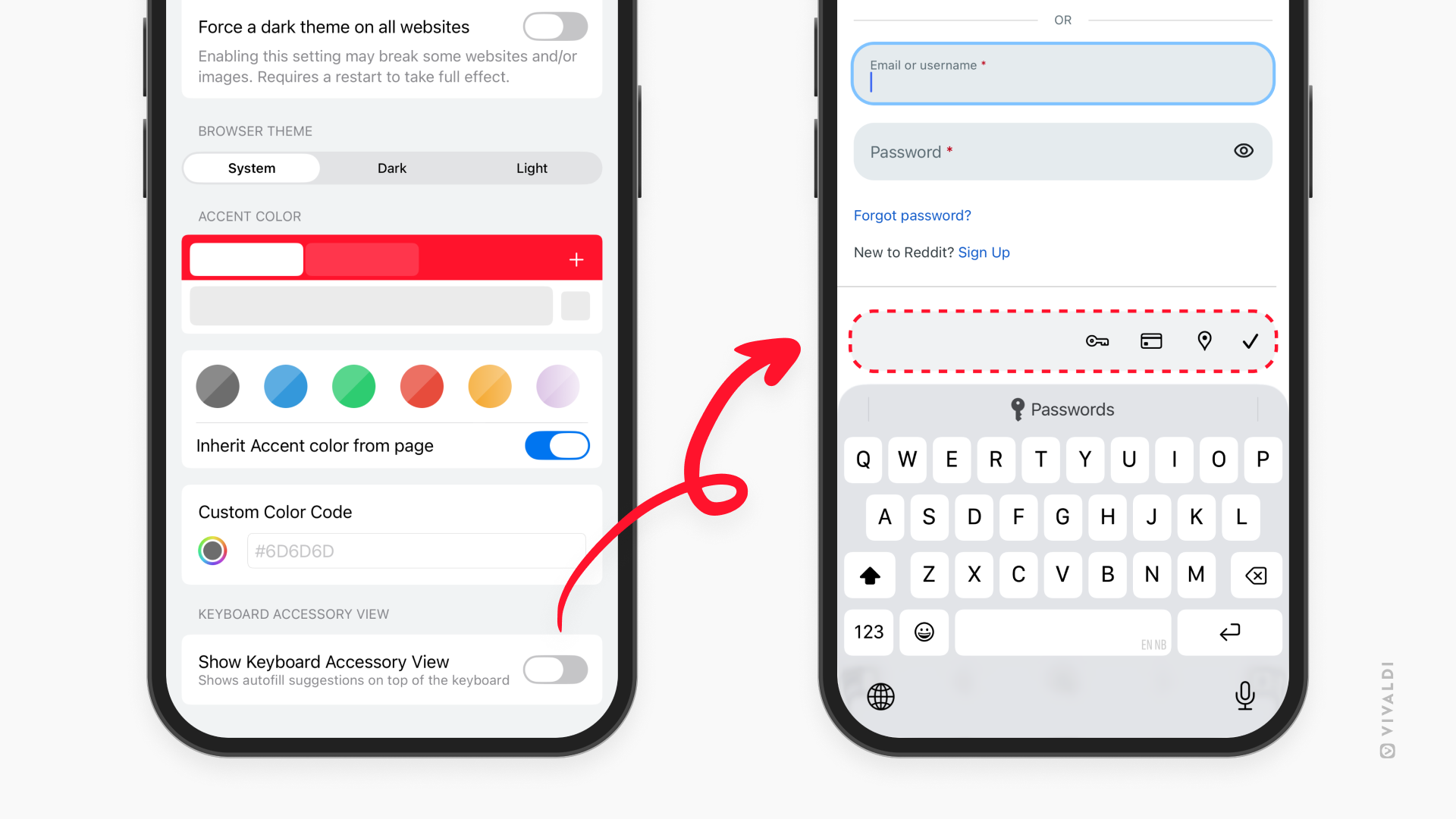
Tip #819
Image

See more of the web page by hiding Keyboard Accessory View on iOS.
While the Keyboard Accessory View toolbar can be super useful for auto-filling passwords, credit card info and addresses, if you don’t rely on that feature, the toolbar just gets in the way. That’s why, in Vivaldi on iOS, you can hide it.
To hide Keyboard Accessory View:
- Go to Settings > Appearance & Theme.
- Toggle off “Show Keyboard Accessory View”.