 tips@vivaldi.com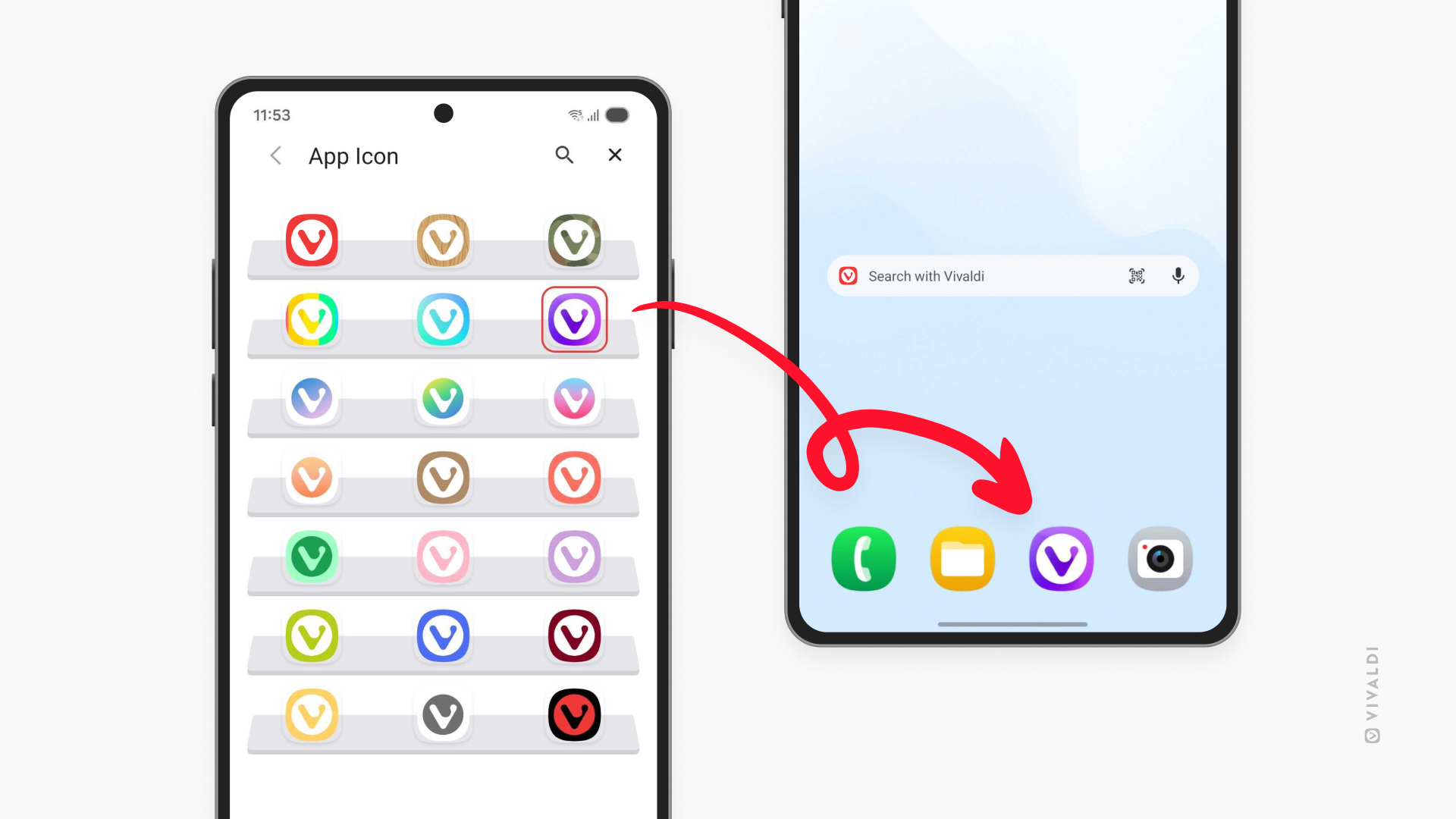
Tip #832
Image

Customize Vivaldi’s app icon to match your Android phone or tablet’s aesthetic.
Vivaldi on Android offers a selection of App Icons for you to choose from, allowing you to match Vivaldi with your phone or tablet’s style. Your chosen App Icon will be displayed on the home screen, in the App Library, and elsewhere where Vivaldi is displayed.
To choose a custom App Icon:
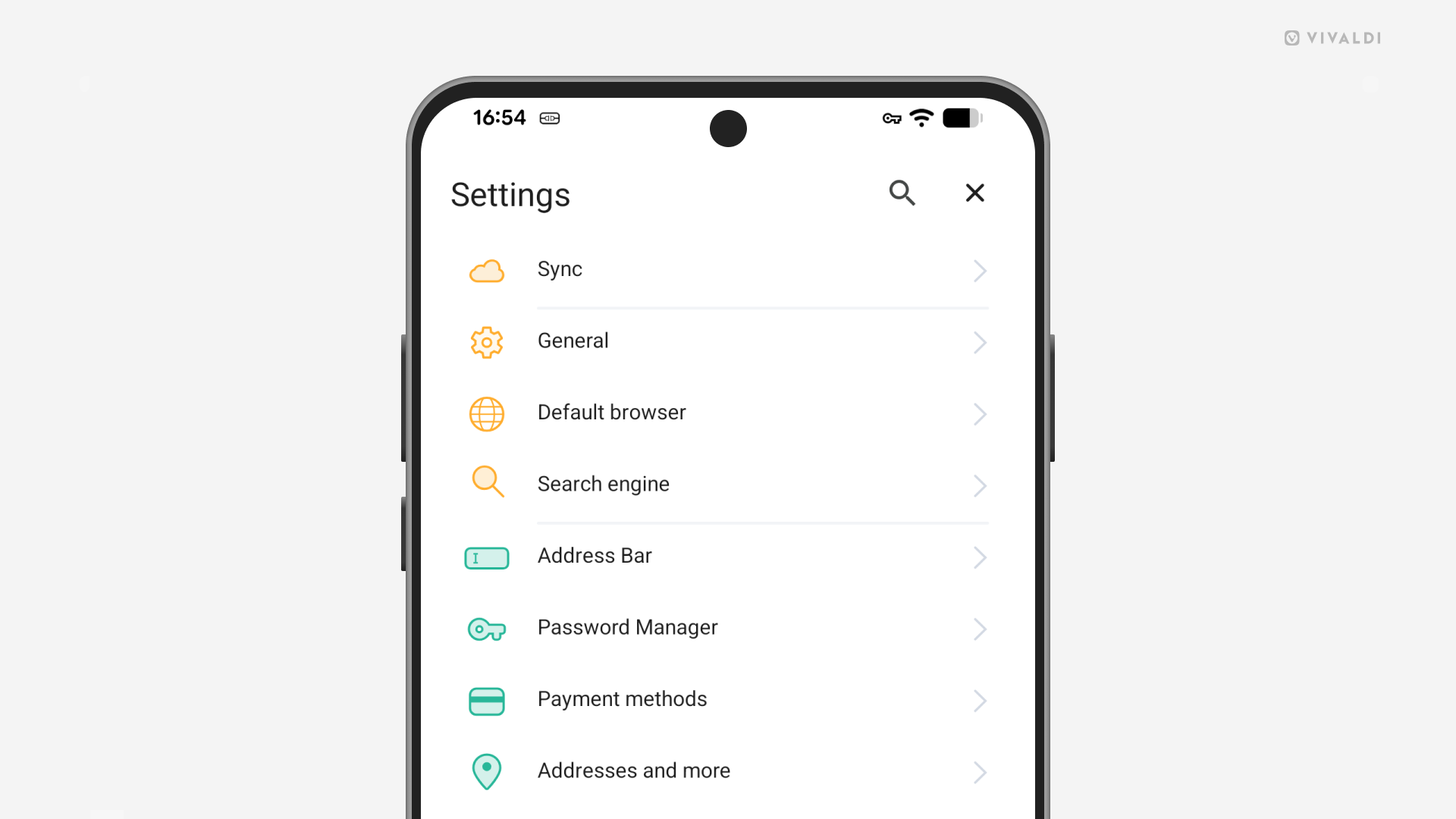
- Go to Settings > App Icon.
- Tap on the icon you’d like to set for Vivaldi.
- Exit Settings.