 tips@vivaldi.com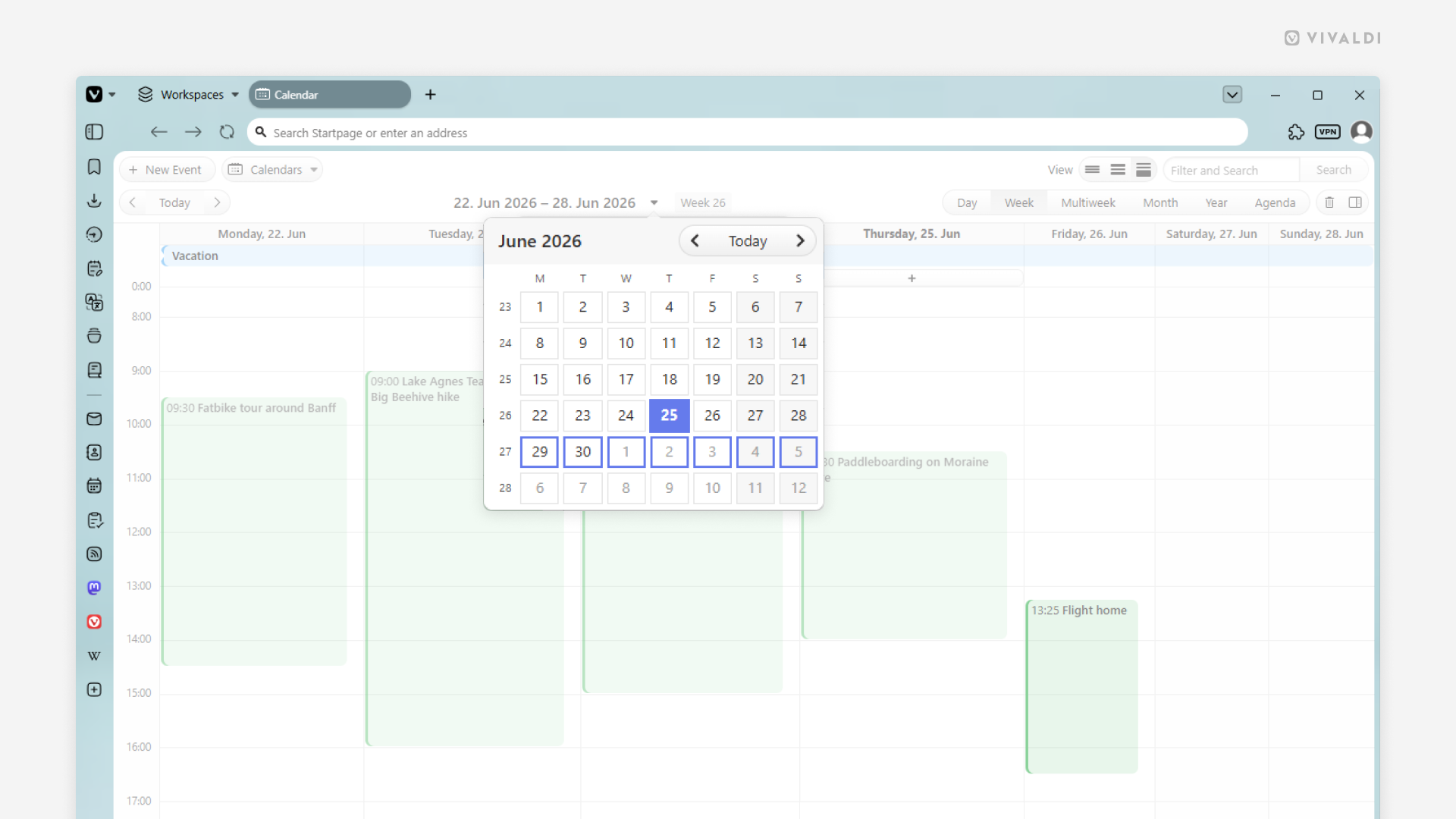
Tip #826
Image

Press G to open the date picker in the Vivaldi Calendar.
While working in the Vivaldi Calendar, you may occasionally need to jump far beyond the current day/week/month. In such cases, it’s easier to use the date picker to go directly to the target date. You can click on the current time range shown at the top of the calendar, or you can simply press a key on your keyboard to instantly bring up the date picker.
To jump to a specific time range using your keyboard:
- Make sure Single Key Shortcuts are enabled in Settings > Keyboard > Keyboard Shortcuts.
- Press
Gwhen the calendar is open in the active tab. - Use arrow keys to find the date(s) you want to jump to.
- Press
Enter.