 tips@vivaldi.com
Tip #860
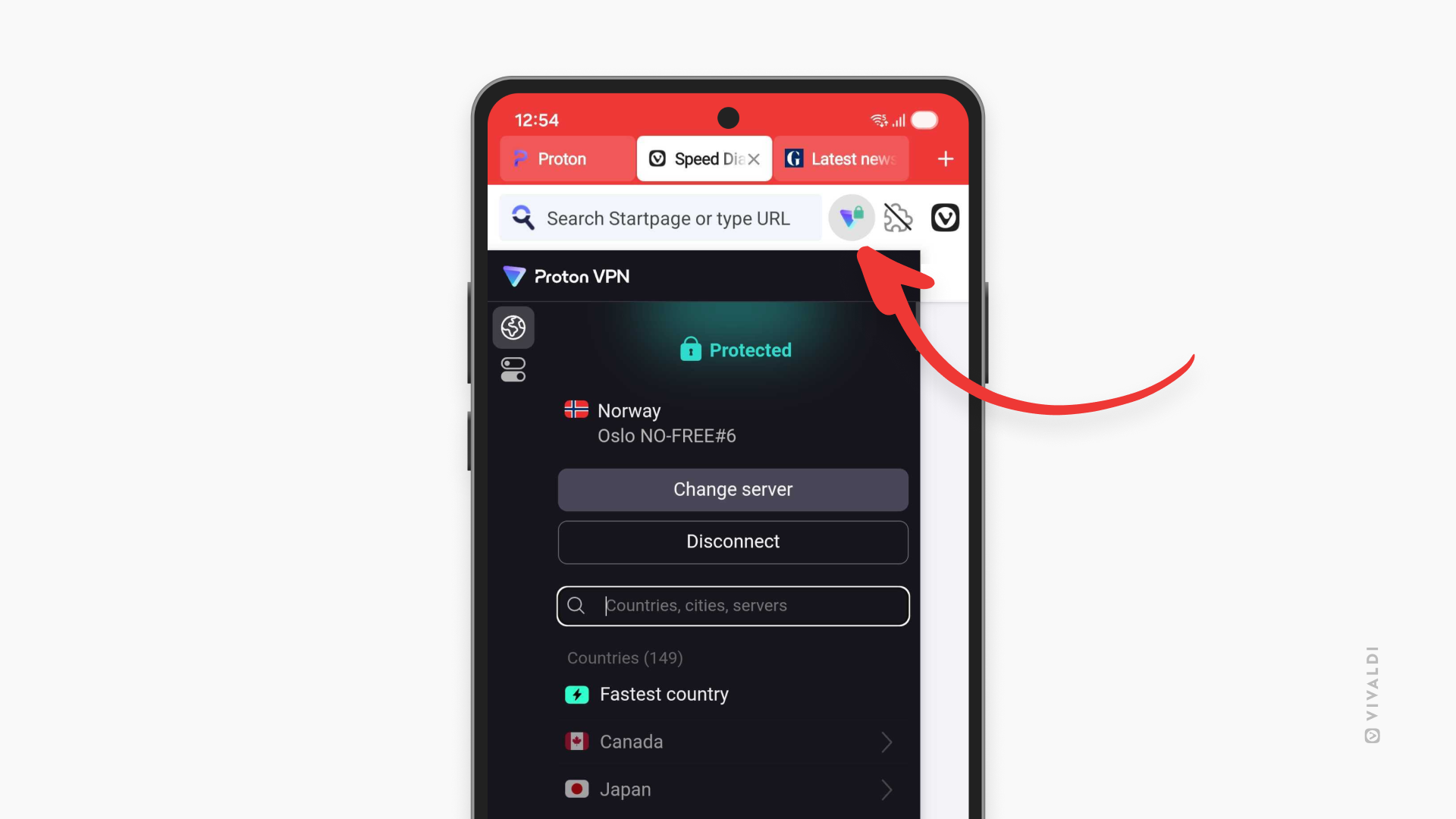
Enable Proton VPN to protect your online privacy in Vivaldi on Android.
In Vivaldi on Android, you can connect to Proton VPN without any extra hassle using your Vivaldi account, giving you a more private and secure browsing experience.
To get started:
- Open the main menu and tap on VPN.
This will install Proton VPN’s extension and pin it’s button to the Address Bar. - Tap on “Sign in with Vivaldi” or “Already have a Proton Account?” to log in.
- Tap “Connect”.