 tips@vivaldi.com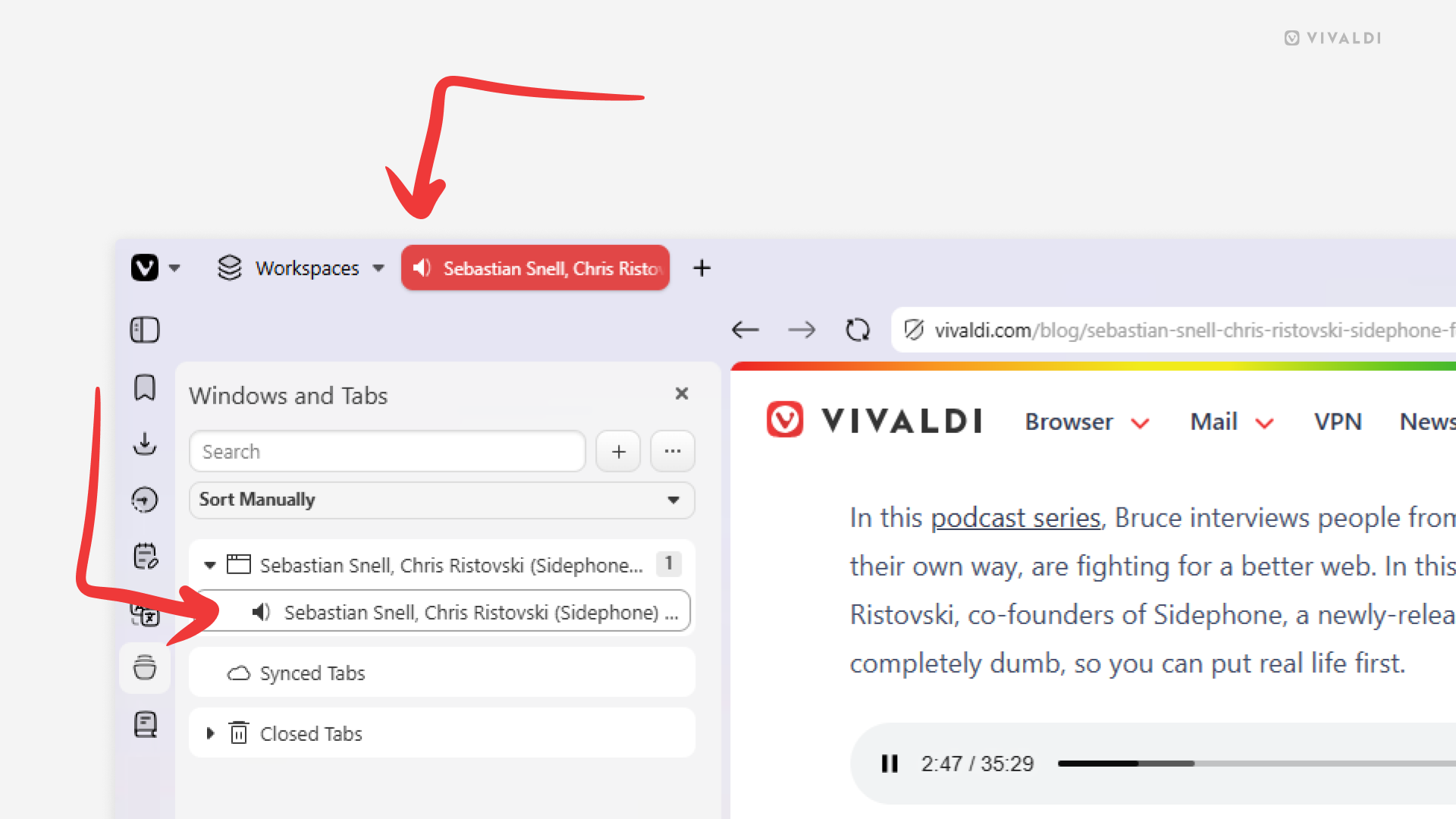
Tip #824
Image

Find the tab playing audio by looking for the speaker icon.
Whenever a tab in Vivaldi on desktop plays audio from, for example, a video, a speaker icon will be displayed in various places in the user interface, helping you see which tab the sounds come from.
You can find the speaker icon in the following locations:
- In place of the site’s favicon:
- On the Tab Bar
- In the Windows and Tabs Panel
- In the Tab Button menu
- In the Workspaces menu next to the space’s name the audio playing tab is in.
By clicking on the speaker icon you can (un)mute the tab.