 tips@vivaldi.com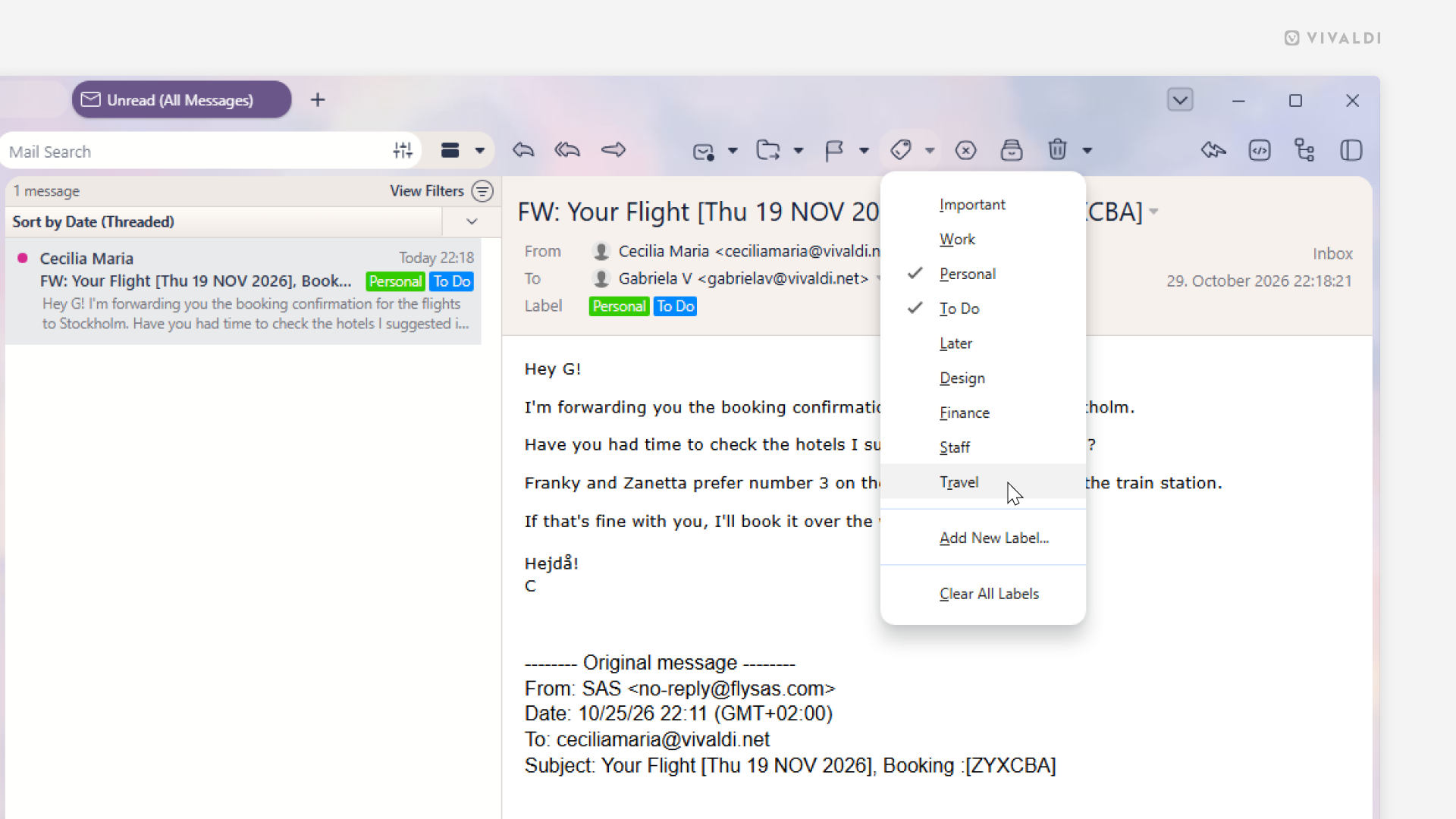
Tip #855
Give Labels in Vivaldi Mail a try to find the same email across multiple categories.
Instead of trying to find the most suitable folder for your email, add labels to it, so you can include them in multiple relevant groups.
To add labels to your emails, either:
- Open the message, click on “Labels” on the menu above the message, and select an existing label or add a new one.
- Right-click on a message in the mail list, hover over “Labels in the context menu, and select an existing label or add a new one.
- Drag the message from the mail list to the relevant label in the Mail Panel.