 tips@vivaldi.com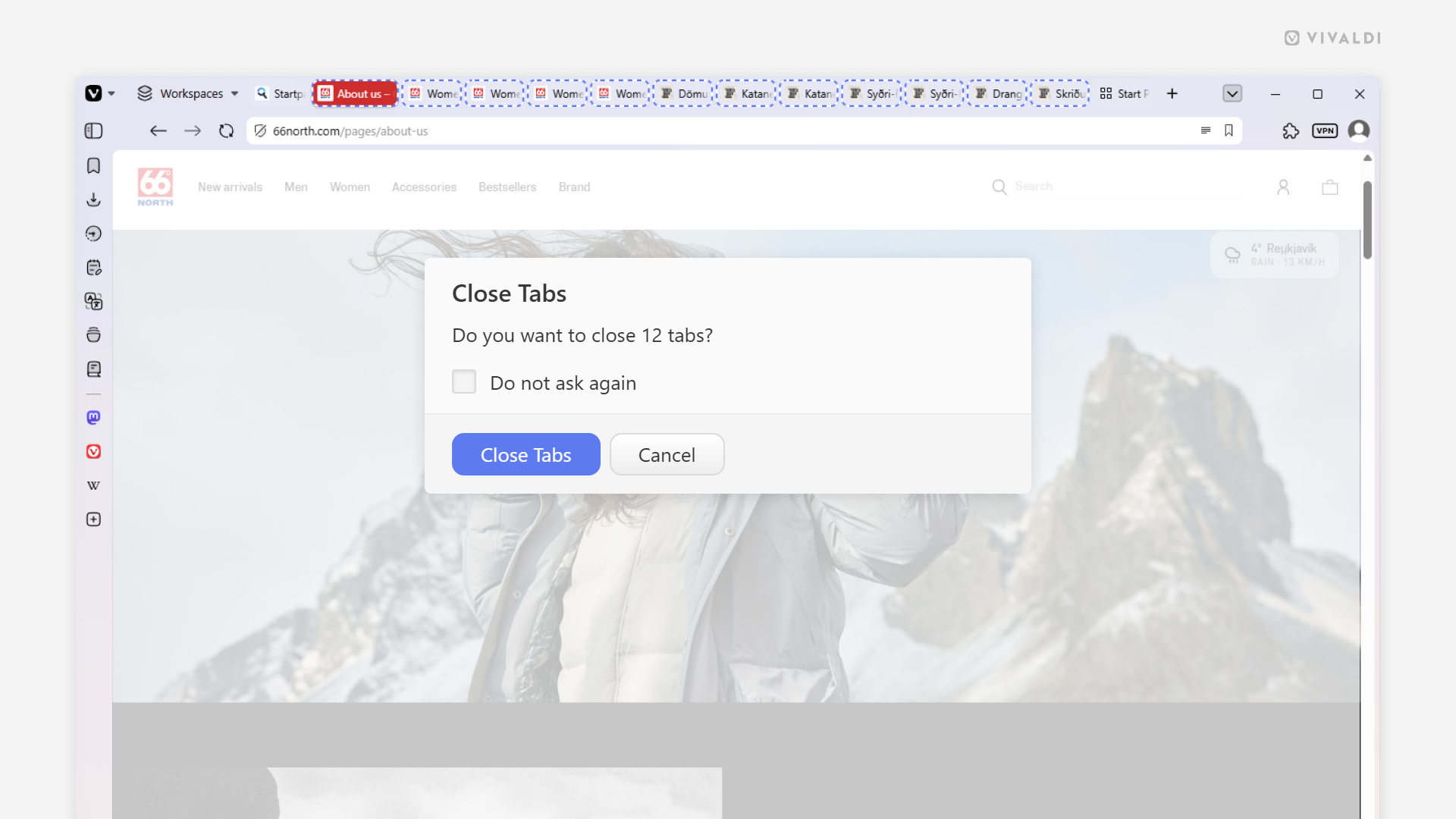
Tip #854
Avoid unintentionally closing multiple tabs by setting a suitable threshold for the close confirmation prompt.
While it’s easy to reopen closed tabs, it’s better to prevent accidental tab closing in the first place. In the Vivaldi browser, when you close 10 or more tabs, you’re prompted to confirm that you really do want to close all these tabs. In true Vivaldi fashion, the number of tabs that will trigger the close confirmation dialog can be adjusted and, if not needed, the dialog can be disabled altogether.
To adjust the limit:
- Go to Settings > Tabs > Tab Handling.
- Make sure “Confirm When Closing # or More Tabs” is enabled.
- Enter a number in the input field.